
Operate
Optimise and plan reporting resources
Every execution is logged: what ran, what it produced, where it went, what failed.

01 · Operate
Execution calendar
The calendar shows executed tasks in one view.
- Past executions in one view

02 · Operate
Usage monitoring
The execution status lists every running execution with its log file, and an execution can be aborted individually or all at once. The Monitoring App shows how Mail & Deploy is used: executions, requests and reports, each with its log file.
- Executions, requests and reports with log files

03 · Operate
Parallel report execution
The engine is multi-threaded and processes a large number of reports in parallel. A task parameter is split evenly across the configured number of jobs, and the task only starts when enough execution slots are free for all of them.
- Multi-threaded engine, tasks execute simultaneously

04 · Operate
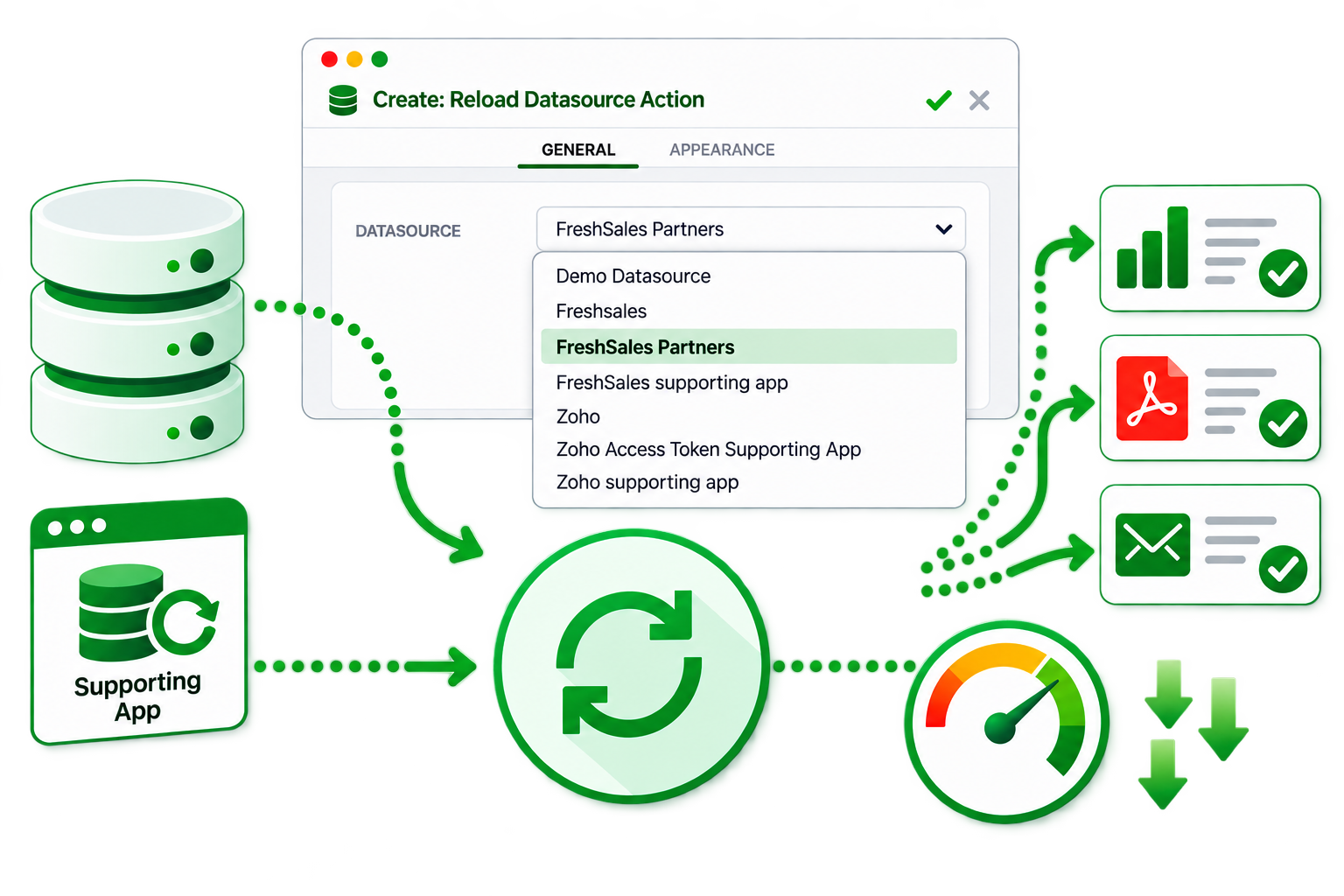
Reload and reduce automation
Reload and reduce documents and applications automatically before reports are created and distributed.
- Reload and reduce run before the report is generated
05 · Operate
Alerts
An alert checks a condition in a datasource on a regular schedule - for example, whether yesterday's revenue fell below a threshold - and sends an e-mail to the user when the condition is met. It can check the condition once or for every value of a field, such as each region, and lists the values that triggered it. Users manage their own alerts in the Mail & Deploy Hub.