
Reporting straight from your database or warehouse
Not every report needs a dashboard behind it. Plenty of recurring reporting is a query, a template and a distribution list - and building a BI layer just to schedule it is disproportionate.
Mail & Deploy connects directly to SQL databases and Snowflake, and to Databricks and other sources via ODBC. You define the dataset once, bind it to a template, and the platform handles generation, personalisation and delivery on a schedule.
Looking for dashboards and self-service analytics? That is not what this is. Mail & Deploy produces and distributes documents from your data - it does not replace a BI platform. If your sources include Qlik or Power BI, one report can draw from all of them.
Connect the source
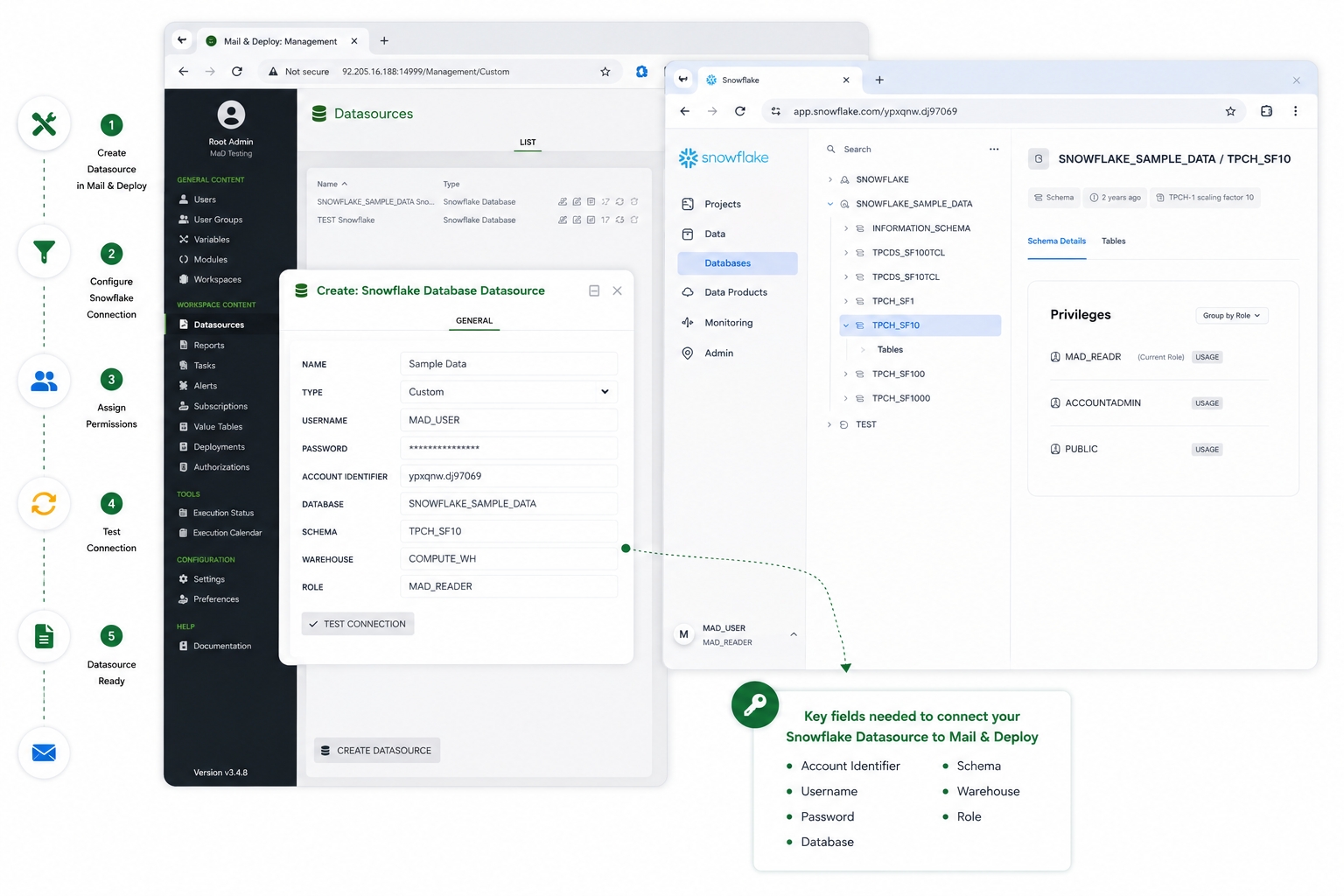
Mail & Deploy connects directly to the database. On cache rebuild it reads all tables, views and their columns, so report design works against a known structure rather than querying live at every step.
- Microsoft SQL Server
- MySQL
- Oracle
- Snowflake
- Google BigQuery
- any ODBC driver
One thing to know: a field filter applies to the table or view that field belongs to. Related tables are not filtered automatically through foreign keys. Where that matters, put the logic in a view your data team maintains.
More than one source can be connected at the same time, and a single report can draw from several of them - including Qlik® and Power BI alongside the warehouse. The full list of connectors is on the integrations overview.
Define the dataset
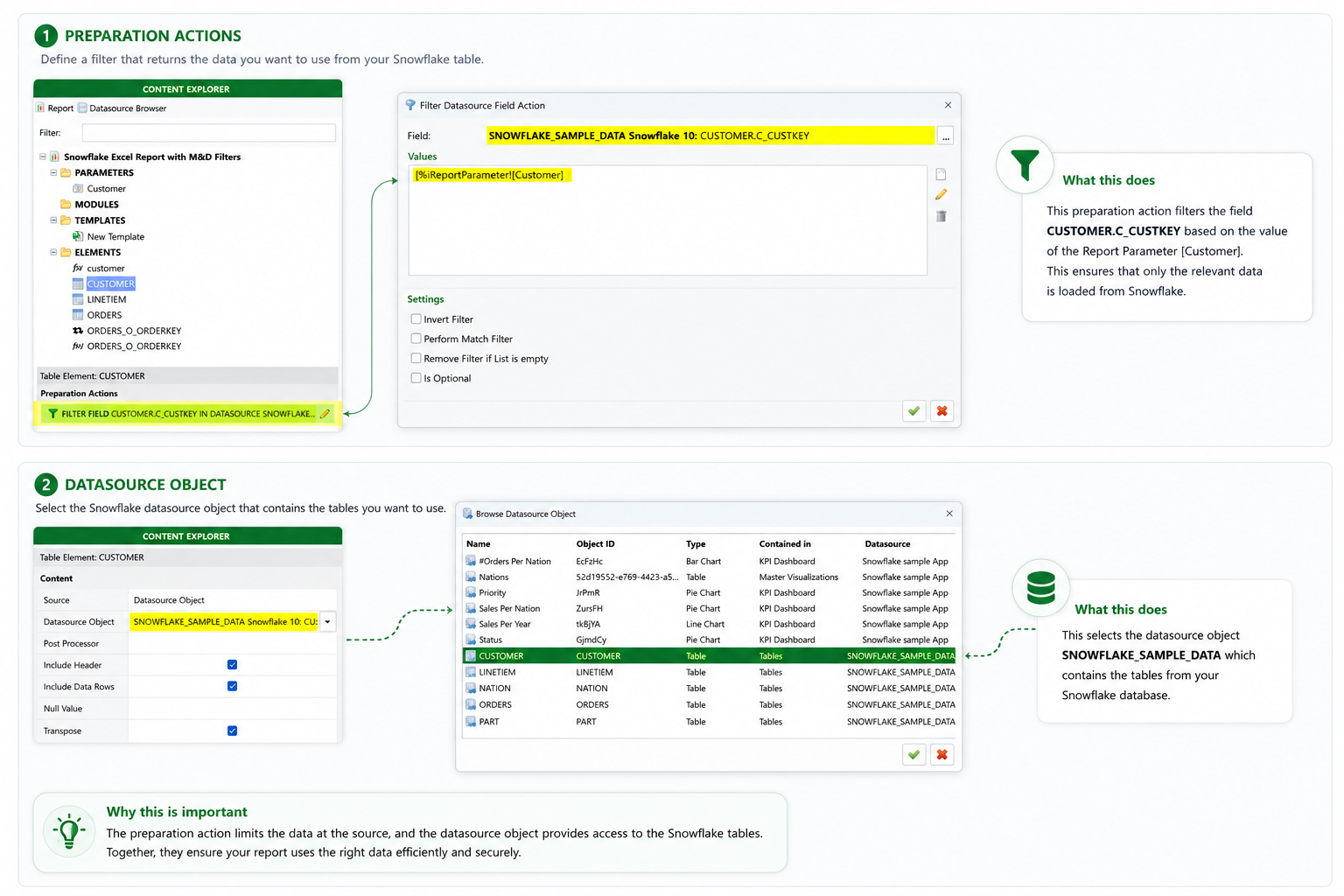
You write the query, or point at a view your data team already maintains. The second option is usually the better one: reporting logic that lives in the warehouse stays under version control and stays consistent with everything else built on it.
Queries take parameters. A date range that resolves to 'last completed month' at execution time, or a region value supplied by the bursting rule in step 3, means one query definition serves every run and every recipient.
Charts are produced by the template rather than the source. An Excel chart bound to a data range, or a chart object in the built-in designer, redraws with each execution.
From here on, nothing depends on where the data came from. The template designer, the schedule and the delivery log look the same whether the source is Qlik®, Power BI or a database.
Each additional data source is licensed separately.
Split it by recipient
Pick a column to burst on - region, cost centre, account manager, customer. Mail & Deploy splits the result set by the distinct values in that column, fills one copy of the template per value, and pairs each document with the right recipient.
Schedule and deliver
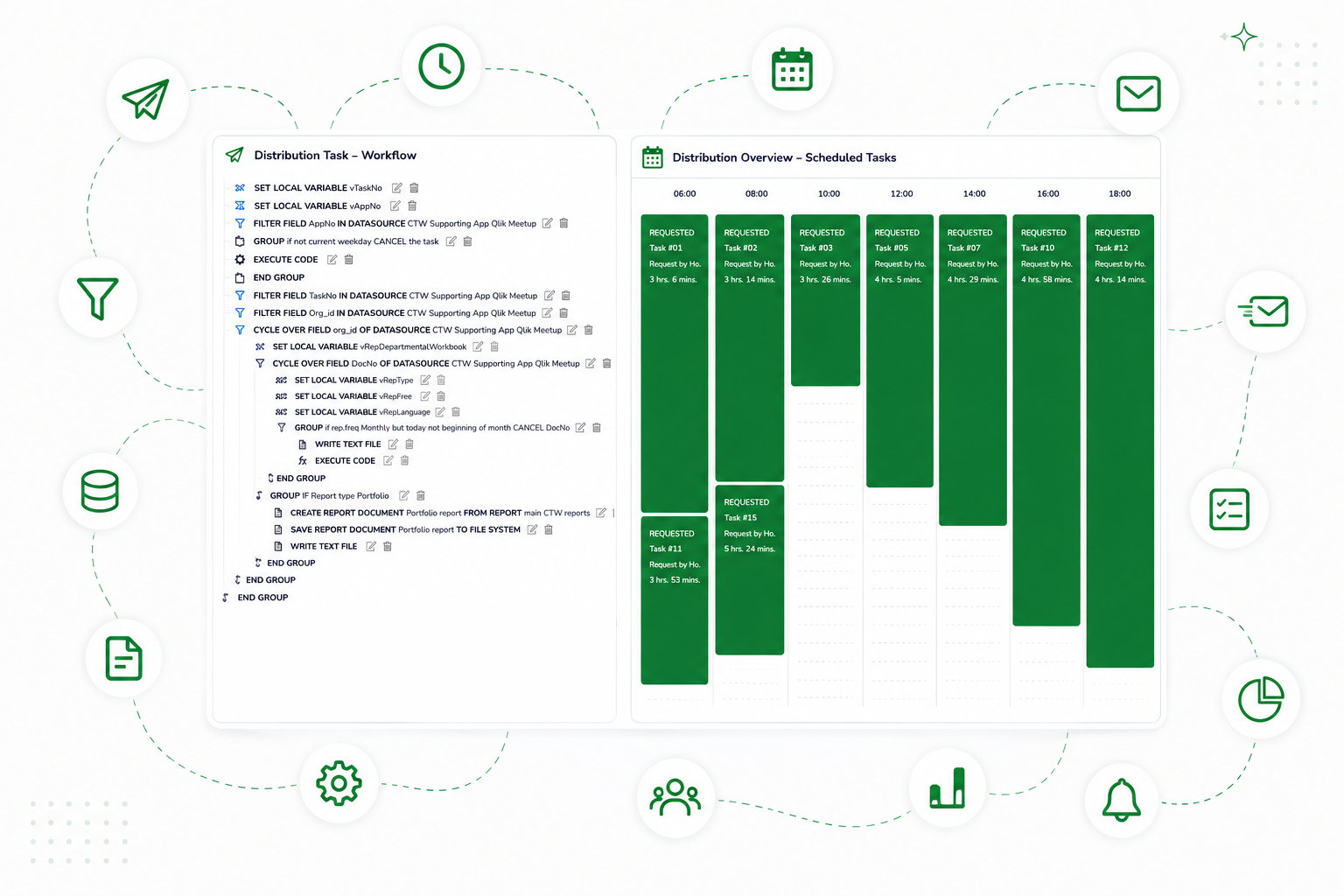
Reports run on a schedule you define - daily, weekly, monthly or at a fixed time.
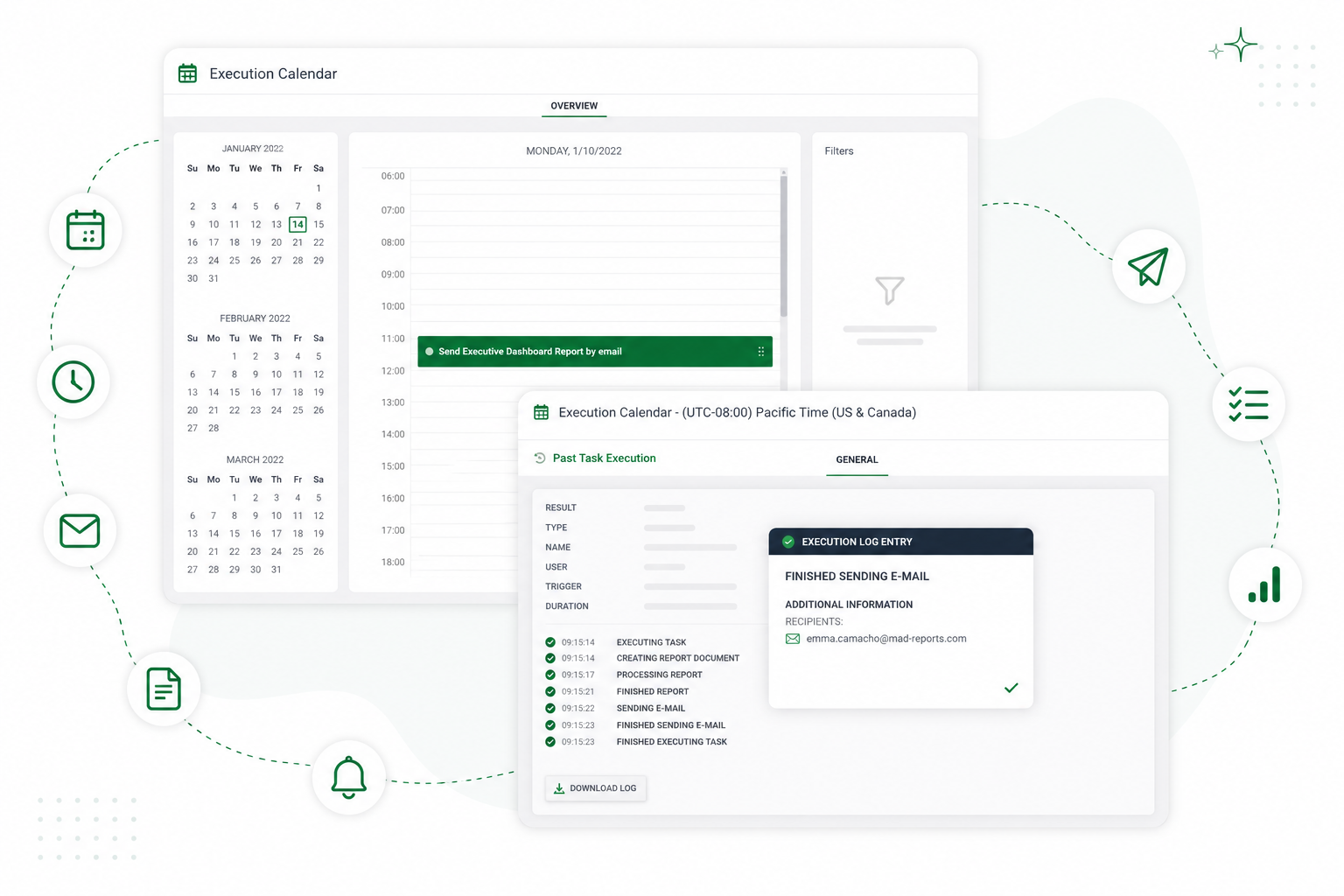
Delivery goes to email, file server, FTP, Microsoft SharePoint and Teams, OneDrive, Dropbox, AWS S3, Google Drive, or the Mail & Deploy Hub. Every execution is logged: what ran, what it produced, where it went, what failed.
Keeping warehouse cost predictable
Scheduled reporting consumes compute. On Snowflake that is credits, on Databricks DBUs, and on a managed SQL service it is capacity you have already paid for.
Mail & Deploy queries the source once per recipient. A report with two hundred recipients means two hundred queries. Plan for that when you size the warehouse and schedule the report.
What keeps cost contained is timing. Reports that share a source can be scheduled into the same window, so the warehouse wakes up once rather than several times through the morning.
What you need in place
- Mail & Deploy edition
- Most setups start with the Standard edition. Which one fits depends on how many recipients you deliver to, how complex the reports are, and whether you use scheduled distribution and self-service. Fifteen minutes on a call settles it faster than a table. Compare editions.
- Requirements
- Current hardware, software and network requirements are maintained in the documentation. View requirements.
- Credentials
- a dedicated read-only account or role is the usual arrangement
- Permissions
- the connected role sees exactly what it is entitled to see
Details per edition are listed under editions and licensing. If any of these are unclear for your environment, that is a fifteen-minute conversation with our team, not a procurement decision.
A worked example
- Source
- Snowflake · view ANALYTICS.REPORTING.SUPPLIER_KPI
- Parameters
- week = last completed ISO week
- Template
- Excel, corporate layout, chart bound to data range
- Burst on
- SUPPLIER_ID → 64 outputs
- Schedule
- Monday 07:15 CET · one query, 64 documents
- Delivery
- email to supplier contact · copy to SharePoint
- Log
- 64 generated · 63 delivered · 1 failed (invalid address)