 Feature Friday: Qlik Reporting Flow control
Mail & Deploy supercharges your Qlik® report distribution process with group actions. This feature allows you to create "if-then-else" scenarios in your reporting flow and ensures that the accurate data is delivered to your decision-makers fingertips.
It is #FeatureFriday!
Managers, executives and leads often ask for various kinds of reports, and it is, of course, convenient to let reporting automation tool generate them. In your report distribution process, however, you have to ensure that you get the right reports to the right people accurately, timely and quickly.
Mail & Deploy allows complex distribution scenarios for reports out of QlikView® and Qlik Sense®. In this context, we are covering an important piece of Mail & Deploy’s flow control today:
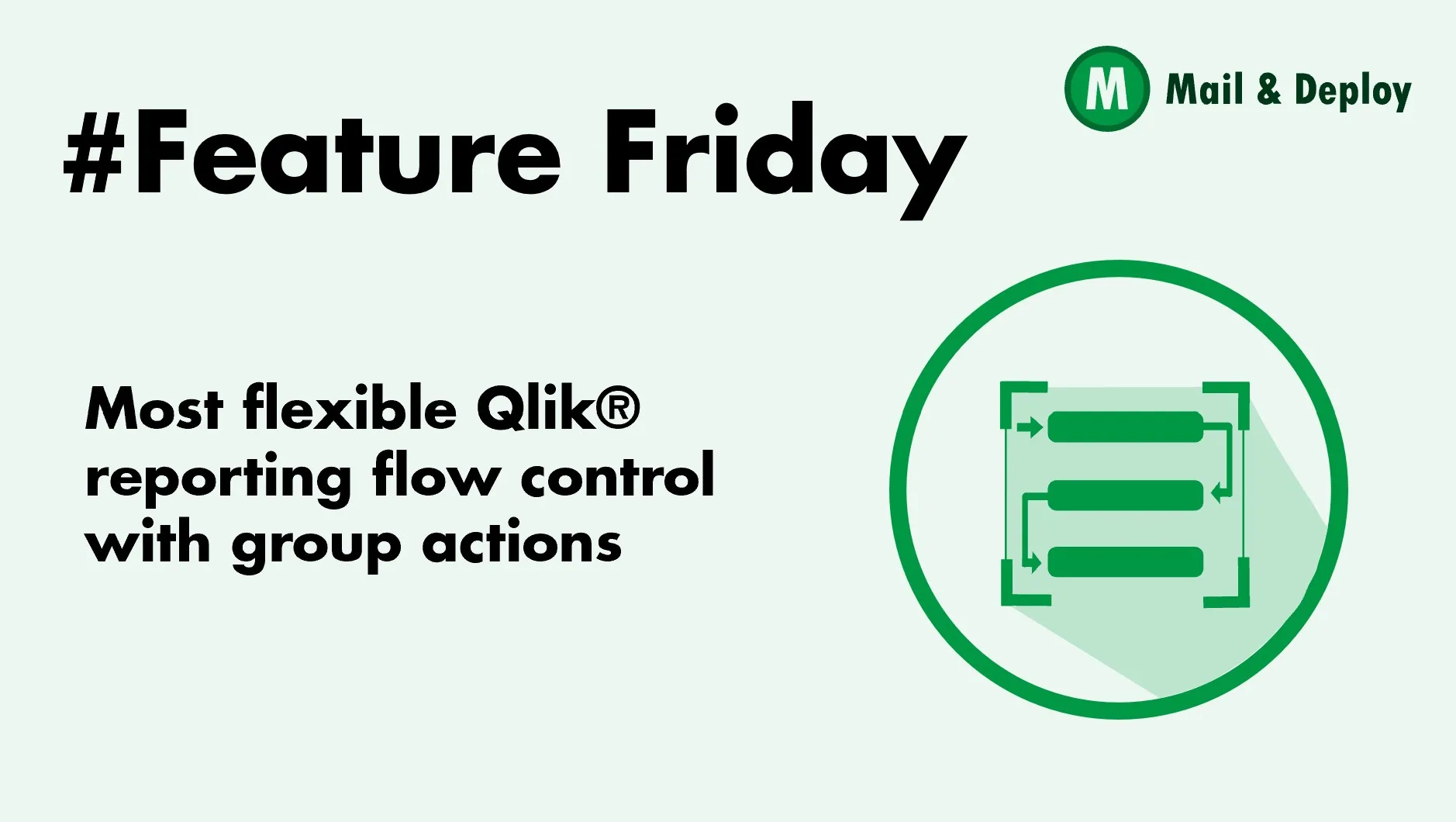
 Reporting Flow Control Icon Group Actions
Group Actions, in particular, help to create “if-then-else” scenarios in your Mail & Deploy tasks and/or in your preparation actions.
They can be used to group other actions. This is useful if you want to apply a specific exception behaviour to a certain group of actions or if you want to only execute a group of actions if a condition is fulfilled.
For example, if you are sending last month’s Sales Report to your Sales Representative, you can add a condition to send a report if the budget was met, and send completely another report if the budget was not met.
Another use case for the group action could be that you want to perform different actions based on the value of a variable from the data model.
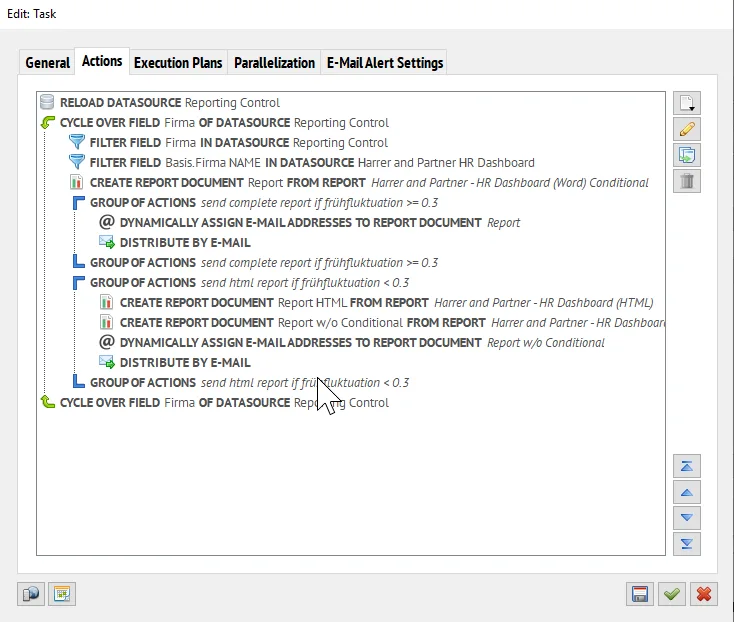 Actions OverviewGroup Actions in Task
Or if you want to test your report or to add or remove a preparation action. Then you can also use the Group Action. You can turn the group of actions on and off very easily!
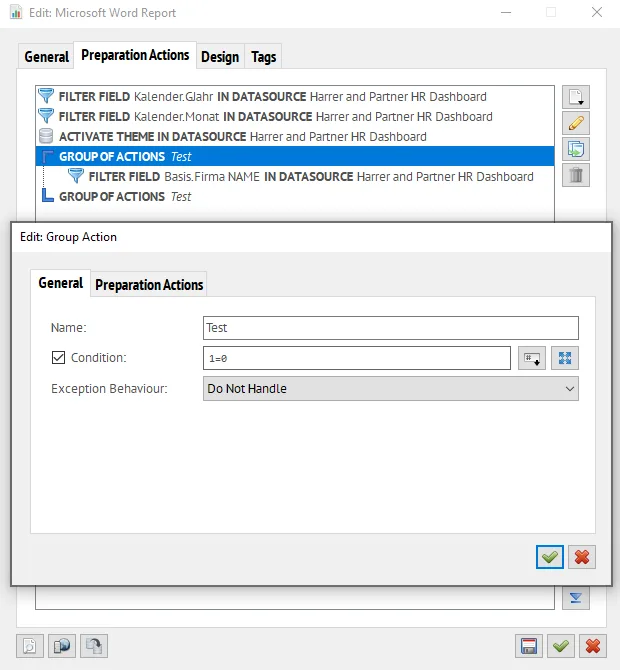 Group ActionsEdit Group Action
By using a Group Action, Mail & Deploy executes a certain action only if a particular condition meets TRUE. Nevertheless, you can also determine what Mail & Deploy shall do if the execution of one of the actions of the group causes an exception - Do Not Handle, Cancel Group or Continue With Next Action.
You can also reference our Group Action Knowledge Base article for more detailed information about this feature.
Mail & Deploy supercharges your Qlik® report distribution process with group actions. This feature allows you to create “if-then-else” scenarios in your reporting flow and ensures that the accurate data is delivered to your decision-makers fingertips.
Is there a feature that you have been missing so far? If so, contact us and we will cover them in another #FeatureFriday post.