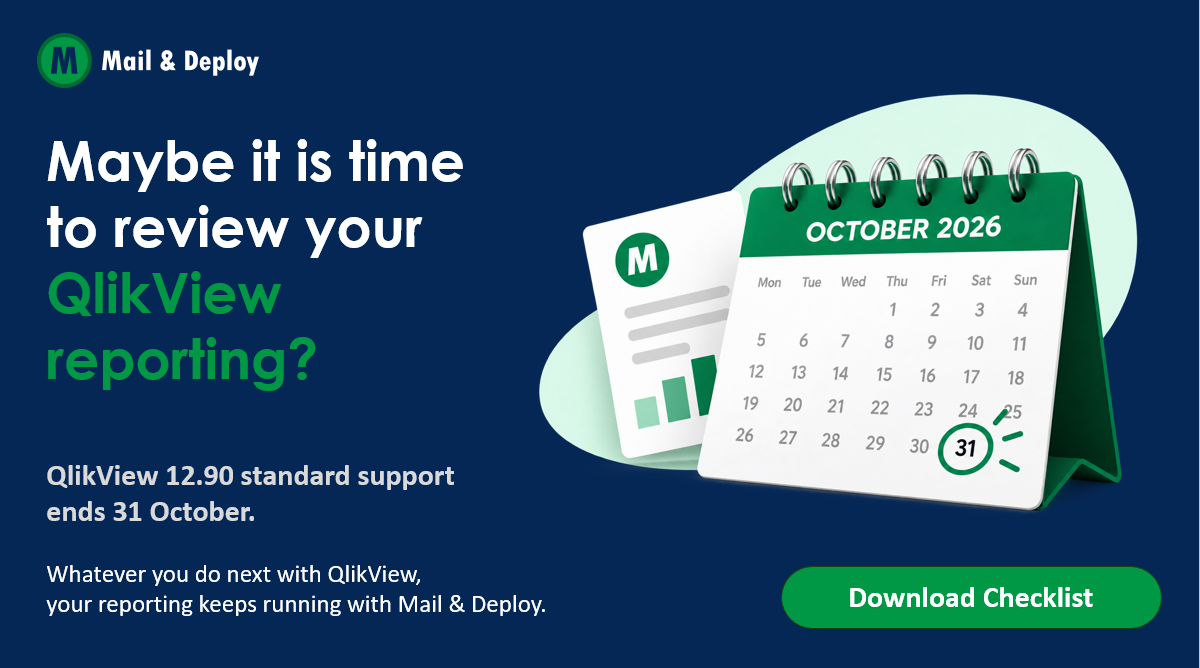
If you run QlikView 12.90, put 31 October 2026 in your calendar. That is the day Qlik’s standard support for the May 2024 release ends.
First, what this is not: it is not the end of QlikView. Support is ending for one release, Qlik keeps shipping QlikView updates, and the current release is supported until September 2027.
But a support date is a natural moment to step back and ask a practical question. Whatever you do next with QlikView, what happens to the reports your business depends on?
What is actually changing
According to Qlik’s QlikView Product Lifecycle page, QlikView 12.90 reaches end of support on 31 October 2026. After that date, it no longer receives fixes or security updates. Your QlikView keeps running; it just runs without a safety net.
A few related facts worth knowing:
- QlikView 12.100 is the current release. It came out on 23 September 2025 and is supported until 30 September 2027.
- QlikView 12.80 and older are already out of support. Version 12.80 reached end of support on 31 October 2025, so if you are on an older release, this applies to you even more.
- QlikView’s future: Qlik says it has no plans to end-of-life QlikView or force a migration to Qlik Sense, and that it continues to release periodic updates.
- Legacy components: Qlik announced that the September 2026 release drops some older components, including the QlikView OCX, Source Control integration and WorkBench. If you have custom integrations, check them before you upgrade.
Three paths forward
Most QlikView teams we talk to are weighing three options. Each has its own timeline, cost and effort, and each touches your reporting differently.
| Path | What it involves | What it means for reporting |
|---|---|---|
| Upgrade to QlikView 12.100 | Stay on QlikView, supported until 30 September 2027 | Lowest disruption, but check custom integrations: some legacy components are dropped with the September 2026 release |
| Move to Qlik Sense on-premises | Rebuild or convert apps on Qlik’s on-premises platform | Report templates, recipient lists and schedules need a new home |
| Move to Qlik Cloud | Migrate to Qlik’s SaaS platform, supported by Qlik’s Analytics Migration Tool | Only some NPrinting template types carry over automatically, and reporting costs can be usage-based |
There is no single right answer. The right path depends on your licenses, your apps, your team and how fast you want to move.
The part that gets underestimated: your reports
Platform decisions get the attention: licenses, apps, data models, servers. The reports that come out of QlikView every day often get looked at last. Think of the Monday sales pack, the branch reports, or the PDFs your partners and customers rely on.
Those reports are what most of your organization actually sees of QlikView. When they break during a migration, people notice immediately.
Before you decide on a path, five questions tell you how much reporting work is really ahead:
- Which reports leave QlikView today, and who receives them?
- Which ones are personalized per recipient, for example by region, branch or customer?
- Which formats do people rely on: PDF, Excel, PowerPoint?
- Do you use NPrinting, QlikView Publisher or custom integrations?
- Which reports would hurt most if they stopped for a week?
If the answers include many personalized reports, NPrinting templates or recipients without a Qlik license, plan your reporting early rather than after the switch. Reports tend to break after the migration, when there is no time left to fix them calmly.
Change the engine, keep the reports
We built Mail & Deploy so that reporting is not the thing that holds a platform decision back. It works with QlikView, Qlik Sense and Qlik Cloud, so your report designs, recipient lists and schedules stay in one place whichever platform runs underneath.
That means you can upgrade, migrate in stages, or run old and new platforms side by side for a while, and your reports keep arriving throughout. What else teams value:
- One tool for every source: every Qlik platform, plus Power BI, Snowflake, Databricks and SQL sources.
- High-quality output: reports in PDF, Excel, PowerPoint and Word.
- Personalized at scale: each recipient gets their own version, with no Qlik license needed to receive it.
- Delivered where people work: email, SharePoint and Teams, file shares and more.
- Your deployment, your pace: on-premises, SaaS or hybrid.
Your next step
You don’t need to have your platform decision made to start. Begin with your reports.
Download the free checklist: a one-page guide to making sure your reports keep arriving, whichever path you choose.
Book a free 30-minute Reporting Continuity Check: we map your reports together, look at your path and flag the risks, from NPrinting templates to recipients without licenses.
Whatever you do next with QlikView, your reporting keeps running with Mail & Deploy.