
Deliver
Deliver reports individually
Schedule it, or chain it with other tasks.

01 · Deliver
Report scheduling
Execution plans define the time frame, the frequency - daily, weekly, monthly - and the time of day a report is delivered. Execution plans define when a task runs, and the task itself groups the actions that create the documents and distribute them.
- Daily, weekly or monthly, at a fixed time of day

02 · Deliver
Report automations
Chain actions - reload the app, generate the report, deliver it, notify on failure - into one automation. Run it on a schedule, on request, or from another system via the API. A cycle iterates over a list of values - regions, customers, sales representatives - and executes the contained actions once per value with the parameter set accordingly.
- Triggered by schedule, by request or via the API

03 · Deliver
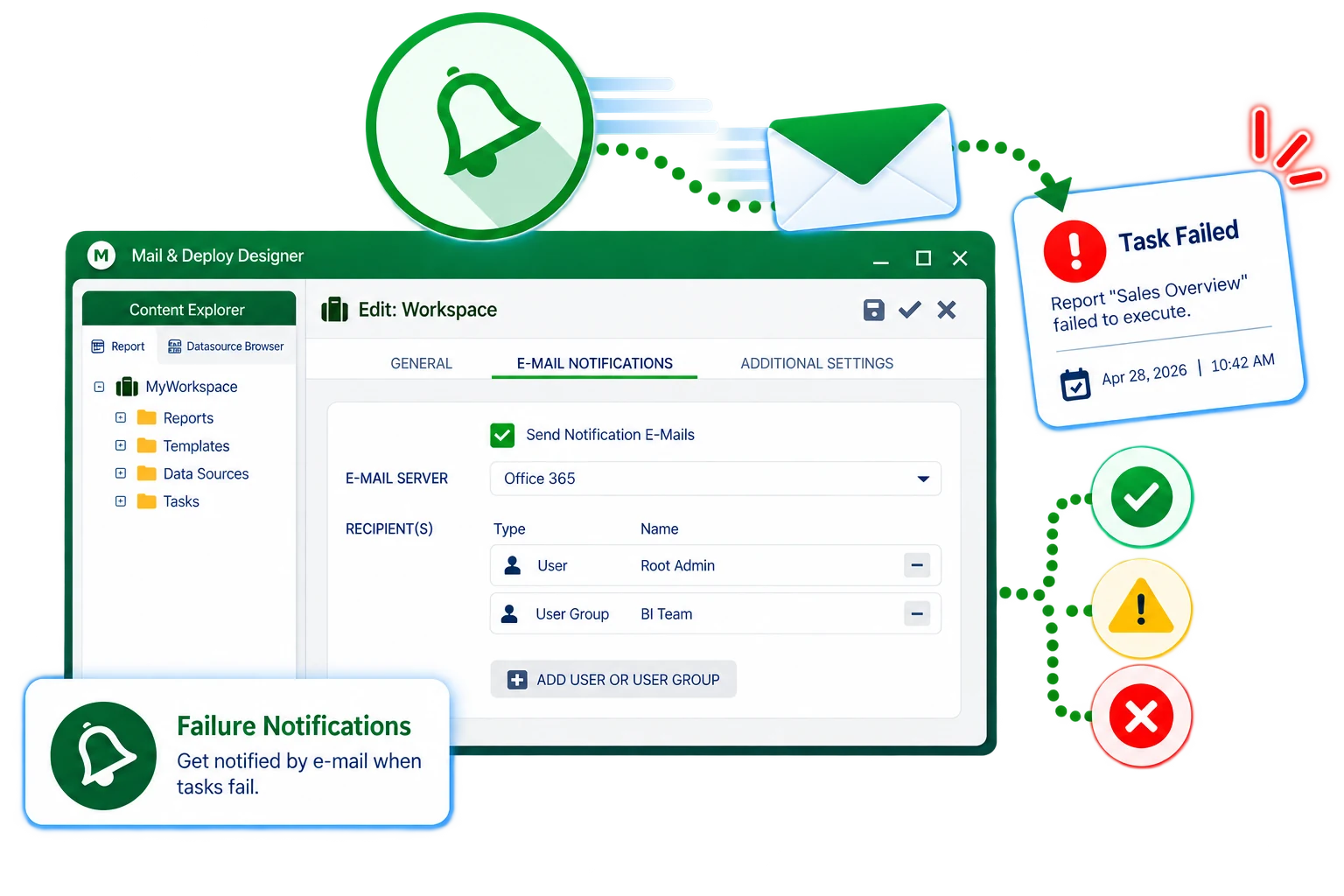
Failure notifications
Send e-mail notifications to selected users or groups when an execution fails. Notifications are sent per workspace, so the responsible team knows what happened without anyone watching the console.
- E-mail on failed executions, per workspace
04 · Deliver
Management report distribution
Schedule, generate and deliver reports per recipient through email, file server, FTP, Microsoft SharePoint and Teams, OneDrive, Dropbox, AWS S3, Google Drive, or the Mail & Deploy Hub. Distribution is an action inside the task, so e-mail, file share and other channels can be combined for the same generated document.
- E-mail, file server, FTP, SharePoint, Teams, OneDrive, Dropbox, S3, Google Drive, Hub
